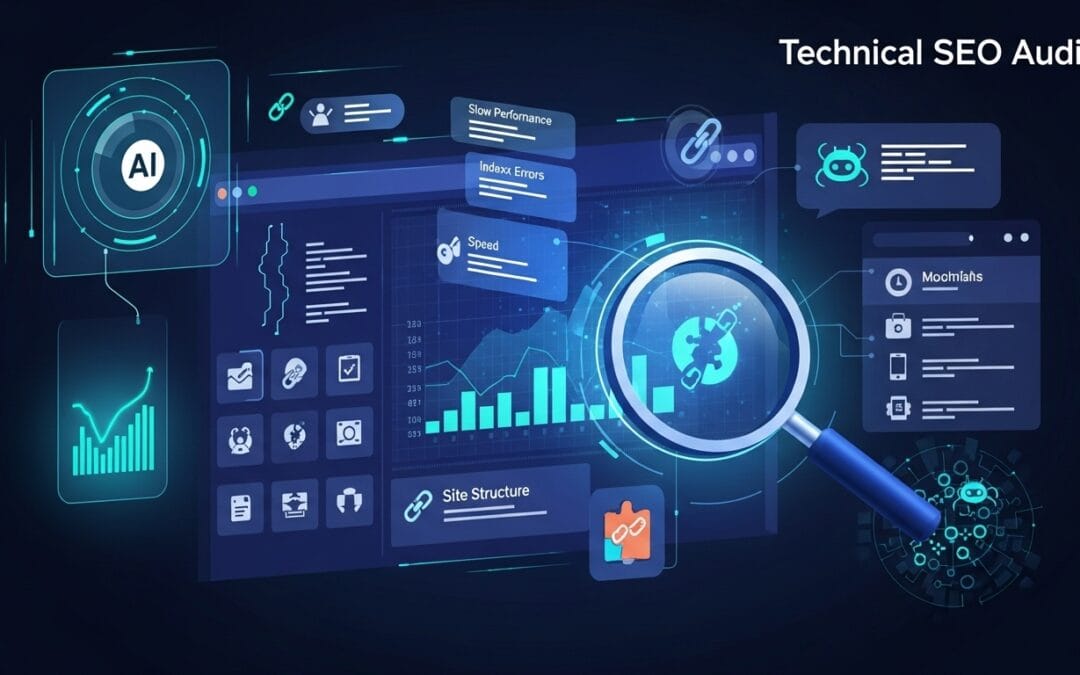
Technical SEO Audit: Find & Fix Hidden Issues Blocking Your Rankings
Free SEO Audit Guide 2025

Technical SEO Audit:
Find Hidden Issues Blocking Your Rankings

Great content alone is not enough. If search engines cannot crawl or trust your site, you will never reach your ranking potential.

Technical SEO audit on laptop showing website analytics data

A technical SEO audit examines your website's infrastructure to find issues blocking search engines from crawling, indexing, and ranking your pages. This guide covers five critical audit areas — each with specific issues to check and practical fix strategies that work on any CMS including WordPress and Divi.

91%
of pages get zero organic traffic from Google
53%
of users leave if a page loads over 3 seconds
3x
more crawl coverage with clean site architecture
5
core audit areas covered in this guide

Crawlability & Indexing Problems

Search engines must access every page you want to rank. A misplaced disallow rule or stray noindex tag left from a staging environment can silently exclude your most important pages for months. Use Google Search Console's Coverage report and URL Inspection tool to confirm every target page is indexed and free of crawl errors before investing further in content or links.

01Blocked URLs in robots.txtAudit every disallow rule. Confirm /blog, /products, and /services are fully accessible to Googlebot.
02Incorrect noindex tagsScan all meta robots tags site-wide. Remove noindex from any production page you want ranked.
03Broken internal links and crawl errorsResolve all 404s with 301 redirects to the nearest relevant live page to preserve link equity.
04Duplicate URLs from parametersConsolidate parameter variants like ?sort=price using canonical tags or Search Console parameter settings.

Page Speed & Core Web Vitals

Core Web Vitals — LCP, CLS, and INP — are an official Google ranking signal. Pages scoring Good on all three have a measurable ranking advantage over competitors. Use PageSpeed Insights lab data and the Chrome UX Report for real-world field data, which is what Google actually uses when making ranking decisions. Always prioritize mobile scores over desktop under mobile-first indexing.

05Unoptimized images and mediaConvert to WebP or AVIF, add lazy loading, and use srcset to serve the right image size per device.
06Render-blocking JavaScript and CSSDefer non-critical JS with async/defer. Inline only above-the-fold CSS and load the rest asynchronously.
07Poor Largest Contentful Paint (LCP)Target LCP under 2.5 seconds. Preload your hero image and use a CDN to reduce server response times.
08Layout shifts hurting CLS scoreSet explicit width and height on all images and iframes. Reserve space for ads before load. Target CLS below 0.1.

Mobile-First Indexing Issues

Google uses the mobile version of your site as its primary version for ranking. Content that only exists on your desktop layout is invisible to Google. Many sites have a polished desktop experience but a broken mobile version that hides key text, uses tiny tap targets, or loads slowly on mobile networks. Test with Google's Mobile-Friendly Test and Search Console's Mobile Usability report regularly.

09Non-responsive layoutsUse CSS media queries so your layout adapts cleanly to all screen widths without horizontal scrolling.
10Hidden content on mobileContent inside collapsed elements or CSS display:none must still be present in HTML for Google to index it.
11Touch elements too close togetherSet tap targets to a minimum of 48×48 pixels with at least 8px spacing to pass Google's usability standards.
12Slow mobile load timesKeep total mobile page weight under 1MB. Eliminate unnecessary third-party scripts and prioritize above-the-fold loading.

Site Architecture & Internal Linking

A flat, logical hierarchy lets Googlebot reach any page within a few clicks and distributes PageRank efficiently. Poor architecture creates orphan pages with no link equity and wastes crawl budget on deep URL paths. Internal links are among the most powerful and underused tools in SEO — they transfer authority and signal to Google which content you consider most important for ranking.

13Pages buried more than 3 clicks deepRestructure categories so every important URL is reachable within three clicks from the homepage.
14Orphan pages with no internal linksEvery indexable page needs at least one internal link. Add contextual links from topically related hub pages.
15Unclear URL hierarchyUse clean, keyword-rich URLs structured to reflect your site hierarchy such as /category/subcategory/page.
16Overuse of nofollow internallyInternal nofollow blocks PageRank flow. Reserve it for non-endorsed external links only, never for internal navigation.

Technical Trust & SEO Signals

Trust signals tell Google your site is secure, well-maintained, and authoritative. An invalid SSL certificate triggers browser warnings that drive users away instantly. Conflicting canonicals split link equity across duplicate URLs. Broken structured data removes rich result eligibility — costing you star ratings, FAQ dropdowns, and product snippets that significantly improve organic click-through rates from search results pages.

17Missing or invalid SSL certificateForce HTTPS site-wide with a 301 redirect and monitor certificate expiry with automated renewal alerts.
18Incorrect canonical tagsEvery page needs a self-referencing canonical. Point all duplicate variants to the single preferred URL.
19Broken schema markupValidate structured data with Google's Rich Results Test and fix all Article, FAQ, and Product schema errors.
20Multiple page versions (HTTP/HTTPS/WWW)Choose one canonical domain, 301 redirect all other versions to it, and set it as preferred in Search Console.

Frequently Asked Questions

Common technical SEO audit questions answered for website owners and developers.

A technical SEO audit is a systematic review of your website's infrastructure to identify issues preventing search engines from crawling, indexing, and ranking your pages. It covers server behavior, URL structure, page speed, mobile usability, and structured data. Technical problems can silently block rankings even when content and backlinks are strong. Most sites benefit from a full audit twice per year and after any major site change such as a redesign or CMS migration.
The essential free tools are Google Search Console for crawl and indexing data, Google PageSpeed Insights for performance diagnostics, and Google's Rich Results Test for structured data validation. Screaming Frog SEO Spider (free up to 500 URLs) is the best desktop crawler for finding broken links, redirects, and duplicate content. Paid platforms like Ahrefs or Semrush add automation and historical tracking for ongoing monitoring between full audits.
Fixing a noindex tag or canonical error can show results within days once Googlebot revisits the page — request indexing immediately via Search Console's URL Inspection tool. Core Web Vitals improvements typically reflect in rankings over four to eight weeks. Structural changes like better internal linking and site architecture usually take two to four months to show measurable organic traffic gains. Submit your updated sitemap after every major fix to encourage faster recrawling.
Yes. All five audit areas apply directly to WordPress and Divi sites. Divi users should pay extra attention to render-blocking scripts — Divi's front-end builder loads heavy JavaScript that can harm Core Web Vitals unless deferred correctly. Use WP Rocket for caching, ShortPixel for image optimization, and Rank Math or Yoast for canonical tags and schema markup. Enable Divi's built-in dynamic CSS and file combining in Theme Options to reduce page weight on mobile devices.